Remind applicants to complete an assessment
Use the Remind workflow to send reminder emails to applicants who have not yet completed their assessment.
1. Open the Remind workflow
- Open your assessment
- Navigate to the Applicants tab
- Select Remind

Step 2: Select applicants
Choose one of the available applicant groups. You can send reminders to up to 10,000 applicants at a time using a preset group.
- Incomplete
- Not started
- Email opened
- Registered
- Completed practice
- Current filters
Note: Reminders cannot be sent to applicants with a status of Completed or Expired.

Upload a custom list
To send reminders to specific applicants, select Custom and upload a CSV file containing their email addresses.
You can send reminders to up to 1,000 applicants at a time using a custom CSV file.

Step 3: Customize and preview the reminder
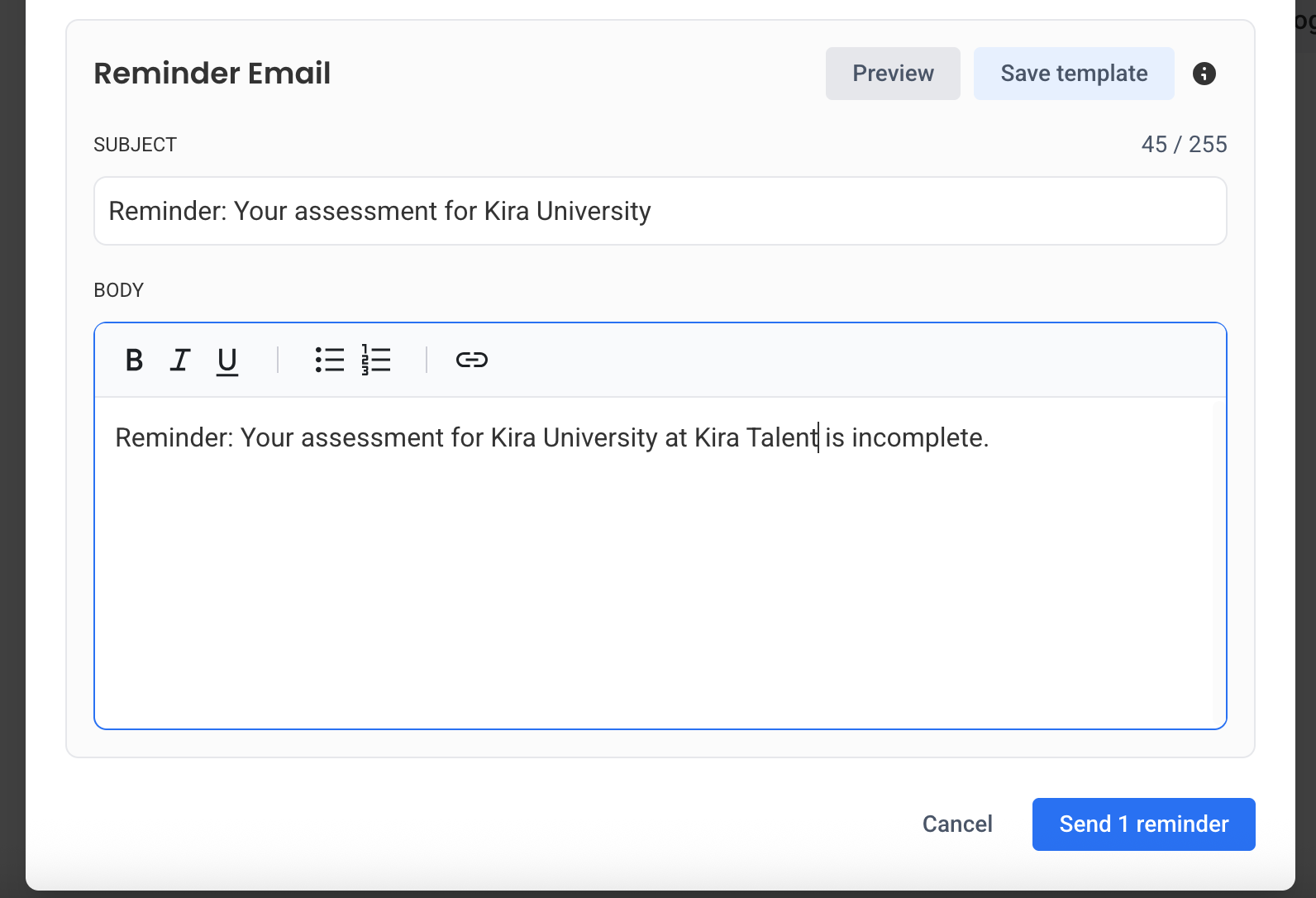
You can customize the email before sending it to applicants.
- Edit the email subject line and message body, if needed
- Select Preview to review the reminder
- Close the preview and make any necessary changes
If you want to save your changes for future reminders to this assessment, select Save template.
Note: Saving the template makes the changes available to other administrators and staff members using the assessment.
Step 4: Send Reminders
- Review the applicant list and reminder email content
- Select Send reminders
Eligible applicants will receive a reminder email.